Sending & Receiving
Sending Bitcoin is like sending a text message, but with money inside it. You just need the other person's address (their mailbox, from Lesson 3).
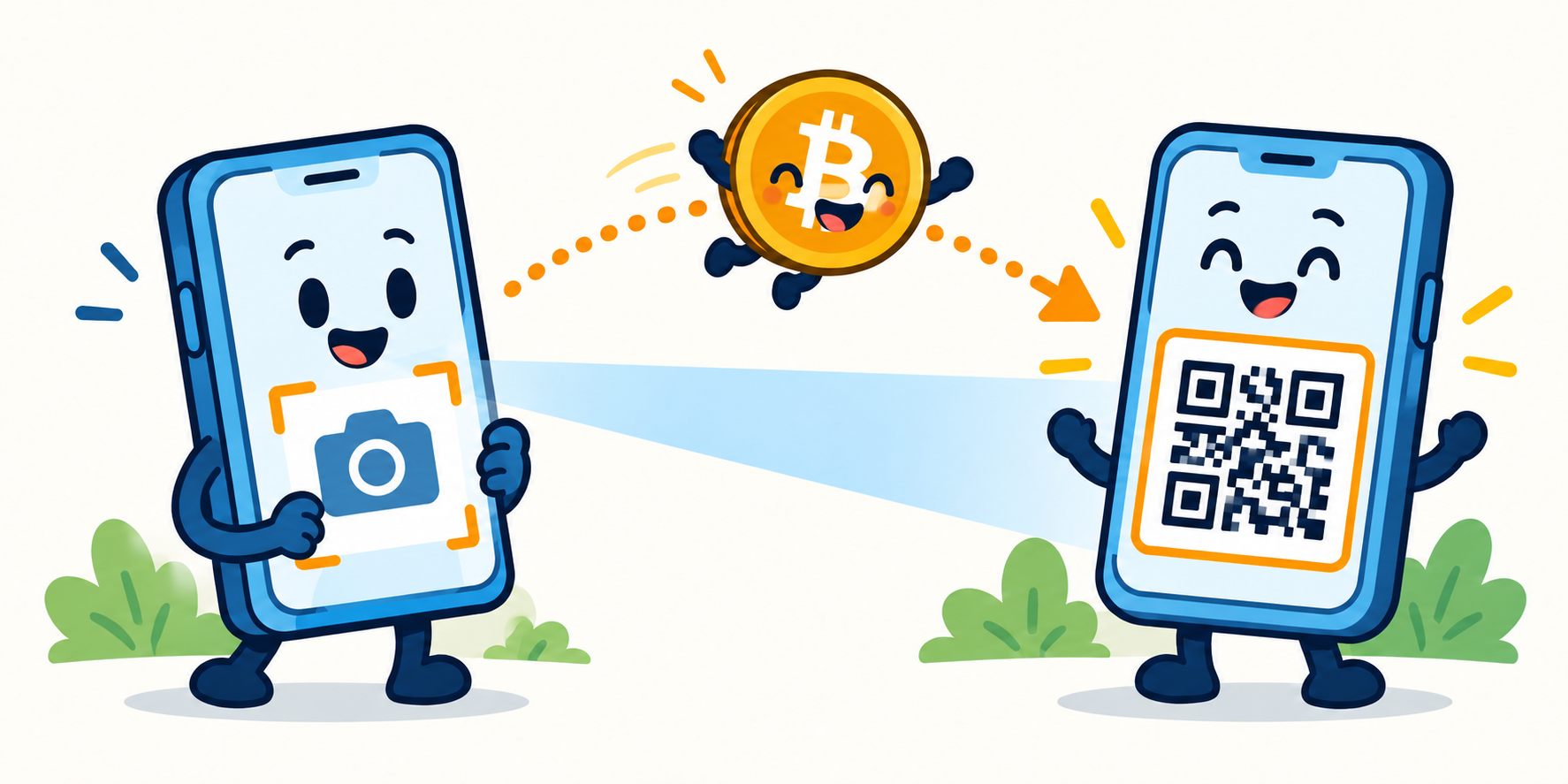
Scan the other person's QR code (their address), type the amount, and tap Send.
To RECEIVE Bitcoin
In your wallet, tap Receive. It shows your address and a square QR code (a barcode for your address). Show it to the sender, or copy the address and send it to them. That is it.
To SEND Bitcoin
- Tap Send in your wallet.
- Scan the other person's QR code, or paste their address.
- Type how much to send.
- Check the address carefully, then tap Send.
Be careful: Bitcoin sends CANNOT be undone. There is no "oops, give it back" button. If you type the wrong address, the money is gone. Always double-check, and the first time you send to someone, send a tiny test amount first.
Remember: Receive = show your QR code. Send = scan theirs, check it twice, tap Send. Sends are final, so go slow and double-check.
Lesson 5 of 8