Your First Miner
Here is the actual setup, start to finish. It is a lot like setting up a printer: plug in power, plug in internet, find it on your network, type in a few settings.
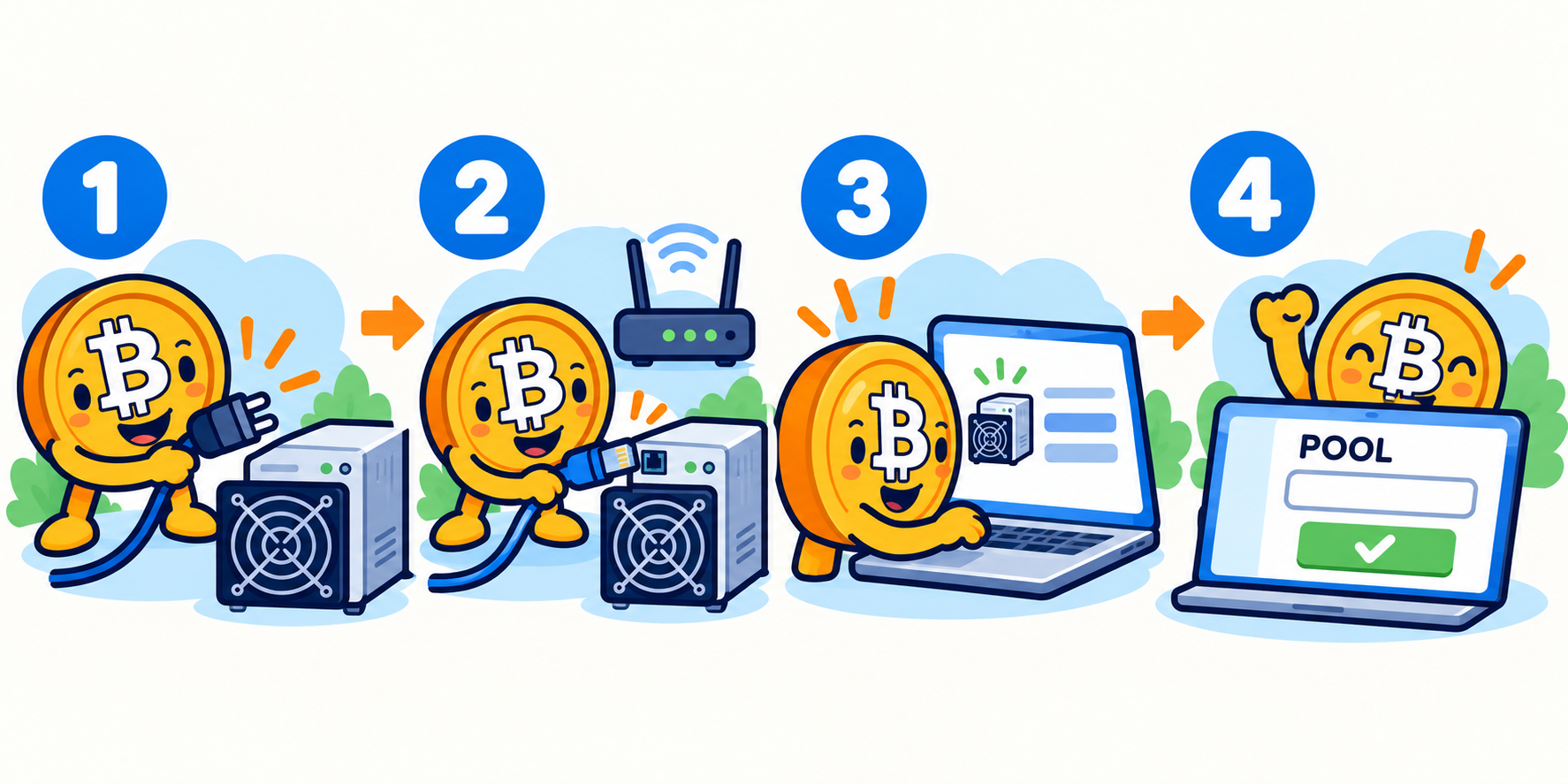
Power in, internet in, open its control page, point it at a pool, done.
Before you power on
- Put it where it can be loud and hot, near your 240V outlet (Step 3).
- Have an internet cable (Ethernet) ready. Most miners do not use WiFi.
- Have a Bitcoin wallet address ready (from the Bitcoin for Dummies guide). That is where your pay goes.
- Pick a mining pool first (Step 5) so you have its address handy.
The steps
- 1. Plug in internet, then power. The fans will roar. That is normal.
- 2. Find the miner on your network. Use the maker's finder tool, or check your router's device list, to get the miner's little address (looks like 192.168.x.x).
- 3. Open that address in a web browser. You get the miner's control page. Log in (the maker's manual lists the default username and password).
- 4. Change the default password right away. This matters: default passwords get hijacked.
- 5. Enter your pool. In the pool or mining settings, paste three things: the pool address (URL), your worker name (usually your pool username plus a nickname for this machine), and a password (often just the letter x).
- 6. Save and let it run. Within a few minutes the page should show your hashrate climbing and "accepted shares." That means it is working.
Check it is healthy
- Hashrate sits near the machine's rated TH/s.
- Temperatures stay in the safe range the manual lists. Too hot means better airflow needed.
- Accepted shares keep going up. Lots of "rejected" shares means a network or setting problem.
Try first: if you have not bought a machine yet, open the Profit Calculator (last tile on the home page) and type in a real miner's numbers plus your power price. See the monthly profit or loss before you spend money.
Remember: power, internet, find its address, change the password, paste in your pool, watch the hashrate climb. That is the whole setup.
Step 4 of 8